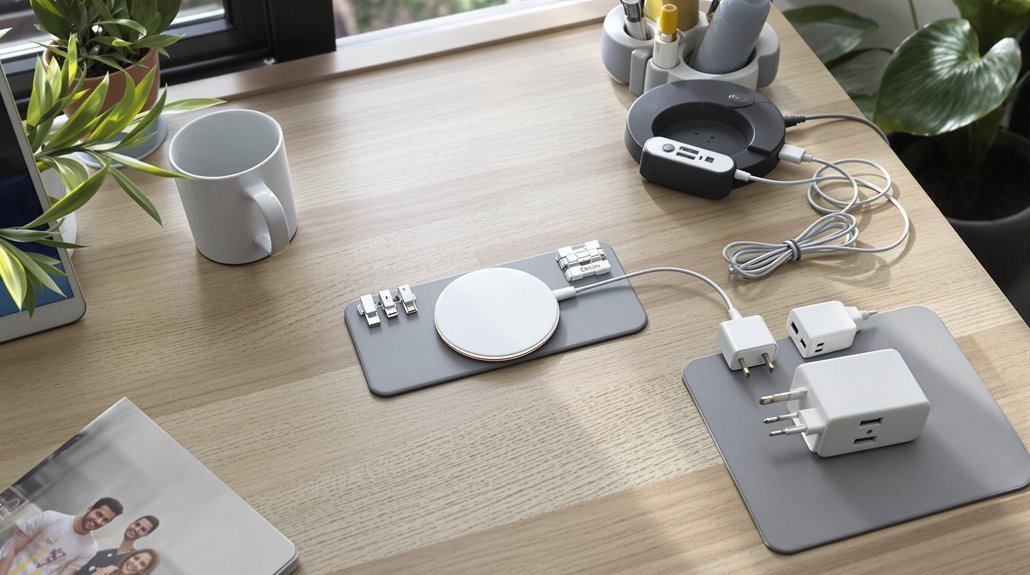

You’ve probably noticed how tangled cables and scattered devices can make even a clean home feel chaotic. A dedicated charging station solves this problem while protecting your devices from power surges and overcharging. The good news? You don’t need expensive gear or advanced DIY skills to create one. With the right location, a few smart accessories, and about 30 minutes of setup time, you’ll transform that mess of cords into something surprisingly organized.
Key Takeaways
- Choose a central location like an entryway console, kitchen counter, or home office desk where daily routines converge.
- Consolidate all devices to one multi-device docking station instead of scattering chargers across multiple rooms and outlets.
- Use a charging drawer or station with internal cable grooves to hide cords and maintain a clean appearance.
- Route cables behind furniture or through shallow drawers to eliminate visible tangles and reduce visual clutter.
- Select a station with 65–100W total output and built-in wireless pads to support multiple devices without extra cords.
Why a Dedicated Charging Station Transforms Your Space
A dedicated charging station can cut through the daily chaos of hunting for your devices and tangled cords. When your phone, watch, and earbuds have one consistent home, you’ll shave minutes off your morning routine and stop the frantic couch-cushion searches.
Beyond saving time, a well-designed station cleans up your space. Models with hidden wiring and built-in wireless charging pads replace the tangle of three or four wall adapters. You’ll reclaim counter space and eliminate visual clutter instantly.
The right station also supports better habits. Place it in your entryway for easy grab-and-go access, or keep it outside your bedroom to reduce late-night scrolling. Your dedicated charging station becomes more than functional—it’s an intentional design choice that simplifies your daily routine.
The Hidden Costs of Device Clutter
While a dedicated charging station offers clear benefits, it’s worth understanding what scattered devices actually cost you—because the price goes beyond messy countertops.
Scattered charging habits cost more than counter space—they drain your time, money, and mental energy daily.
Hidden Charging problems drain your time and wallet in ways you mightn’t notice:
- Lost minutes add up: You spend 2–3 minutes daily hunting for devices, totaling 12–15 hours yearly.
- Replacement costs sting: Damaged cables and accessories run $50–$300+ per household annually.
- Mental clutter builds: Visible cords create cognitive load that reduces focus and increases stress.
- Charging interruptions happen: Multiple charging spots with shared power strips lead to unplugged devices and dead batteries.
- Sleep suffers: Scattered devices encourage late-night screen use.
Centralized charging solves these issues by giving everything one predictable home.
Your space stays calmer, and your routines get easier.
Choosing the Right Location for Your Charging Hub
Because your charging hub needs to fit seamlessly into daily life, location matters more than most people realize. Start by identifying where your daily routines naturally converge—your entryway console, kitchen counter, or home office desk. Research shows consistent placement reduces the time you spend hunting for devices.
Before purchasing charging stations, measure your available surface area. A cramped nightstand calls for a compact vertical design, while a kitchen command center can handle larger multi-device setups. Look for spots with nearby outlets and room to route charging cables behind furniture or through a shallow drawer.
Consider keeping your main hub outside the bedroom to support better sleep. If you need bedside charging, choose a low-light option that won’t disrupt your rest.
Essential Features to Look for in a Charging Station
Shopping for a charging station becomes much easier once you know which features actually matter.
When integrating charging stations into your home, you’ll want to focus on specifications that deliver real performance without creating new problems.
Here’s what to prioritize:
- Power output: Look for 65W–100W total output, with at least 20W USB-C PD for phones
- Wireless standards: Qi2 certification and MagSafe alignment guarantee efficient, cool charging
- Cable management: Hidden channels or recessed routing keep cords invisible
- Build quality: Solid wood, leather, or metal finishes that match your space
- Safety features: Surge protection and over-temperature shutoff protect your devices
Skip charging stations that lack a proper power strip replacement.
Check that the included wall adapter matches the station’s maximum wattage—underpowered adapters slow everything down.
Materials and Design That Match Your Home Decor
A charging station built from quality materials won’t look like a gadget sitting on your dresser—it’ll blend right in with your furniture. Choose 3/4″ solid walnut or oak for a substantial feel, or opt for wood veneer over plywood if solid lumber isn’t available in your desired width. Genuine leather trim adds a refined touch that plastic simply can’t match.
Your finish should complement the room. Warm stains like honey oak work well in traditional spaces, while matte black or charcoal leather suits modern kitchens and living areas. For a kitchen counter, select finishes that tolerate heat and wipe clean easily without staining.
Look for designs with concealed wiring—a recessed power-strip shelf set back about 3/4″ keeps charging cables hidden and your surfaces clutter-free.
Room-by-Room Charging Station Ideas
Thinking through your home room by room helps you set up charging stations where they’ll actually get used.
Kitchen: A multi-device hub on your counter or command center keeps everyone’s devices visible and ready.
For a cleaner look, install a charging drawer with USB-C ports to store tablets flat.
Entryway: Convert a console into a drop zone with an 11-inch charging station.
You’ll grab fully charged devices on your way out.
Bedroom: Keep charging out of this space to support better sleep.
If you must charge bedside, choose a low-light wireless charger with hidden cables.
Small spaces or travel: Use foldable chargers or drill a cord hole into a drawer for hidden power.
- Multi-device hub for kitchen counters
- In-cabinet charging drawer with USB-C
- Entryway console with cable management
- Low-light bedside wireless charger
- Foldable charger for charging needs on the go
DIY and Budget-Friendly Charging Solutions
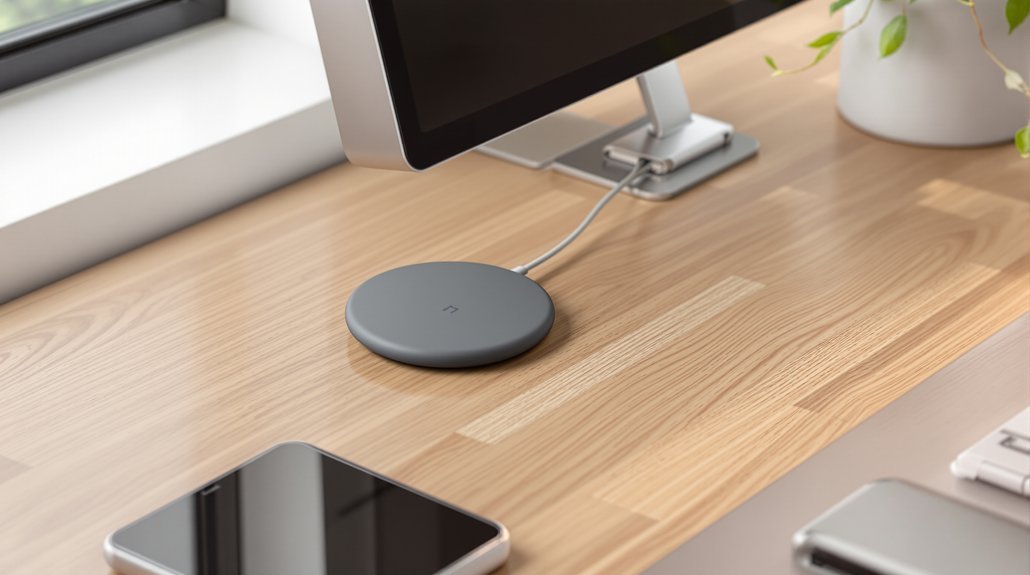
Setting up a clutter-free charging station doesn’t require expensive custom cabinetry or professional installation. You can convert a shallow drawer into a hidden charging hub by mounting a small power strip inside and drilling a small hole in the back for the cord. This lets you lay phones and tablets flat while they charge, completely out of sight.
Another budget-friendly option is repurposing a decorative box or vintage breadbox. Route cables to an internal power strip and add vertical dividers to keep your devices powered and organized. For a more custom look, build a simple wooden caddy from ¾” plywood with internal grooves and a recessed shelf for the power strip. These projects typically cost under $30 and take just an afternoon to complete.
Smart Power Management and Device Compatibility
Beyond the physical setup, your charging station’s real performance depends on matching power output to each device’s needs. Your place to charge should deliver the right wattage to each gadget—18–30W for fast-charging smartphones, 5–15W for earbuds, and 30–100W for laptops.
Here’s what to prioritize for smart power management:
- Power Delivery (PD) USB‑C ports guarantee proper voltage handshakes for laptops and modern phones
- Certified MagSafe and Apple Watch chargers prevent heat buildup and guarantee correct alignment
- Surge protection rated 1000–2000 joules shields your devices from electrical spikes
- Built-in overcurrent and temperature protection stops charging issues before they damage batteries
- Adequate total wattage (at least 60W) supports simultaneous fast charging across multiple devices
These features keep your devices safe while charging efficiently.
Creating a Sleep-Friendly Charging Zone
While smart power management keeps your devices healthy, where you charge them matters just as much for your own well-being. Dock your smartphones, tablets, and earbuds at a central charging station in your entryway or kitchen each night. This physical separation removes the temptation to scroll at 11 p.m. when you should be winding down.
A charging drawer with internal cable management works perfectly here—it hides cords and keeps everything organized. Make docking your devices part of your evening ritual about 30–60 minutes before bed.
If bedroom charging is unavoidable, place your station on a dresser rather than your nightstand. Enable don’t disturb mode and dim any indicator lights. You’ll sleep better when screens aren’t glowing within arm’s reach.
Frequently Asked Questions
How Much Does It Cost to Build a Charging Station at Home?
You can build a basic charging station for $40–$120 using lumber, a power strip, and simple tools.
Ready-made docks run $60–$200, while adding quality components like MagSafe pads costs $150–$350.
Smart budgeting helps you decide between DIY and professional installation, which ranges $200–$600.
For future-proofing, consider solar integration or portable power options.
High-end built-ins start around $800 and can exceed $2,000.
How to Create a DIY Charging Station?
Start by mounting a wall shelf or repurposing a shallow drawer to hold your devices. Drill a 7/8″ hole in the back for hidden cables, then install a surge-protected power strip inside.
Add felt-lined dividers spaced about 1″ apart to stand phones upright. You can also build a portable dock from a small wooden box—just secure cables with adhesive clips and label each one for quick matching.
How to Make a Nightstand Charging Station?
Start with a wireless tray that handles your phone, watch, and earbuds in one spot—look for 15W output minimum.
Run your power cable through a cable raceway along the nightstand’s back edge to hide cords completely.
Add a bedside caddy on the side for small items like glasses or a book.
Choose a charger with auto-dimming LEDs so it won’t disrupt your sleep.
How to Make a Charger Organizer?
You’ll want to start with a box-style organizer that includes built-in cable management—a rear exit hole (about 1″ diameter) keeps cords hidden and tidy.
Add vertical storage with angled slots spaced ¼”–½” apart so phones stand upright for easy viewing and airflow.
Use modular trays inside to separate devices like earbuds and watches.
Choose durable plywood or hardwood with a polyurethane finish for longevity.
Bottom Line
You’ve now got everything you need to create a charging setup that actually works. Pick your spot, grab a quality multi-port adapter, and hide those cables. The whole project takes an afternoon and costs under $50 if you go the DIY route. Start tonight—move your devices out of the bedroom and watch how quickly this small change improves both your space and your sleep.