
Your LEVOIT air purifier works hard to keep your indoor air fresh, but it can’t do its job properly without a little help from you. Dust buildup, clogged filters, and neglected sensors quietly reduce performance over time—sometimes before you even notice. The good news? A few simple maintenance habits can extend your unit’s lifespan and keep it running at peak efficiency. Here’s exactly what you need to know.
Key Takeaways
- Replace the True HEPA filter every 6–12 months and the activated carbon filter every 3–6 months for optimal performance.
- Vacuum the pre-filter every 1–3 weeks and air-dry completely for 24 hours if rinsed to prevent mold.
- Wipe the exterior with a damp microfiber cloth every 2–4 weeks; never spray liquid directly into vents.
- Perform an annual deep clean by vacuuming the filter compartment and wiping interior surfaces with mild detergent.
- After maintenance, run the unit on high for 30–60 minutes and verify airflow using the tissue test.
Why Regular Air Purifier Maintenance Matters
When you invest in a LEVOIT air purifier, regular maintenance isn’t just a suggestion—it’s essential for keeping your indoor air genuinely clean. Without proper air purifier maintenance, filters become clogged and can actually release trapped particles back into your space.
Your HEPA filter should capture at least 99.97% of particles 0.3 microns and larger—but only when it’s working properly. Skipping filter replacement or pre-filter cleaning reduces airflow and efficiency. The activated carbon filter loses its odor-fighting power over time, too.
A quick wipe with a microfiber cloth every few weeks keeps vents clear. Regular deep clean sessions prevent mold growth inside the unit. These simple steps protect your indoor air quality and help your purifier perform its best.
How to Replace HEPA and Activated Carbon Filters
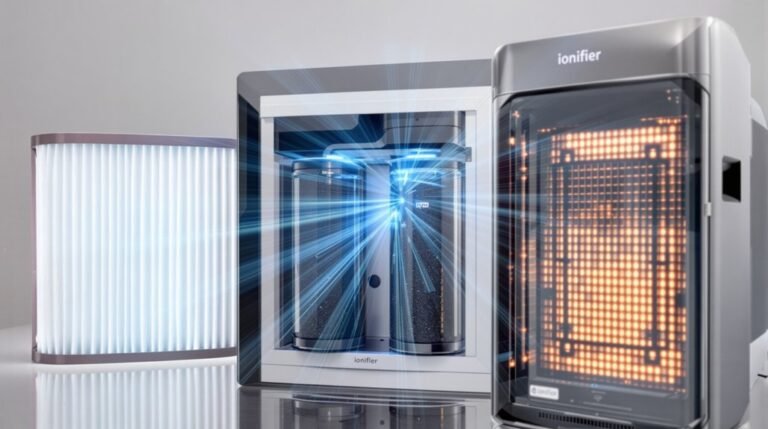
Swap out your LEVOIT’s True HEPA filter every 6 to 12 months to keep it capturing 99.97% of particles as small as 0.3 microns. If your filter indicator lights up earlier, don’t wait—replace it then. Change your activated carbon filter every 3–6 months, especially if you notice lingering odors or VOCs despite running the purifier.
Before any filter swap, unplug your unit completely. Remove the old filters and install new ones following the arrows or labels showing proper filter orientation in your user manual. Always use genuine LEVOIT filters designed for your specific model number.
Don’t forget your pre-filter. Vacuum gently every few weeks to catch hair and debris before they clog your main filters.
Cleaning and Vacuuming Pre-Filters
Your HEPA and activated carbon filters handle the heavy lifting, but your pre-filter acts as the first line of defense against larger particles like hair, dust, and pet dander. Every 1–3 weeks, gently vacuum it using a vacuum hose or soft brush attachment to clear buildup before it clogs the main filter.
For heavier accumulation, remove and rinse the pre-filter under cool running water. Avoid hot water and harsh detergents—they’ll damage the mesh. Air-dry completely for at least 24 hours before reinstalling to prevent mold growth.
Inspect monthly for tears, warping, or lingering odors. Replace if damaged or ineffective. After cleaning or replacement, run on high 30–60 minutes to verify proper airflow and filter seating.
Wiping Down the Exterior Surfaces
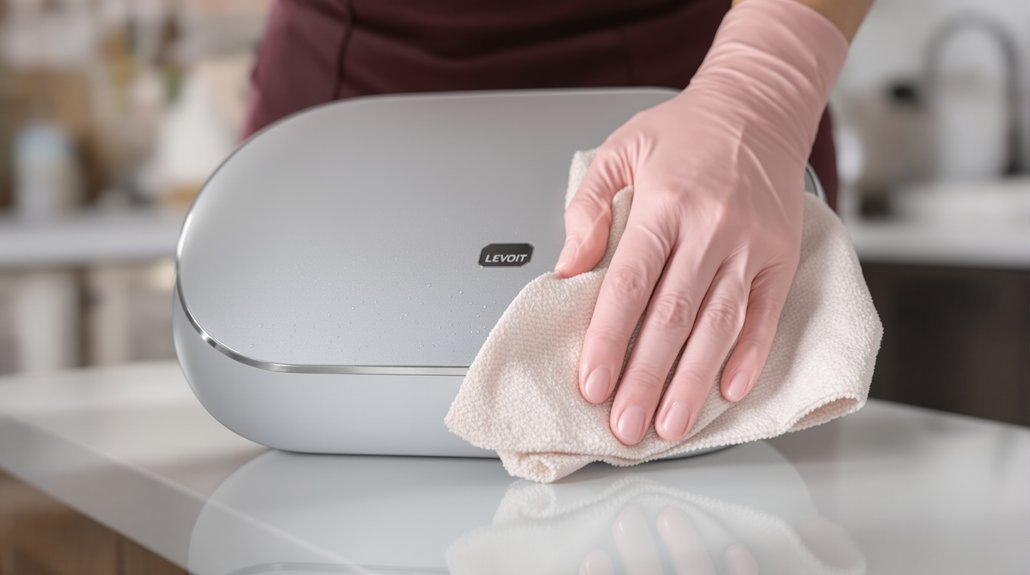
Regularly wiping down your LEVOIT’s exterior keeps it looking sharp and prevents dust from migrating into the internal components.
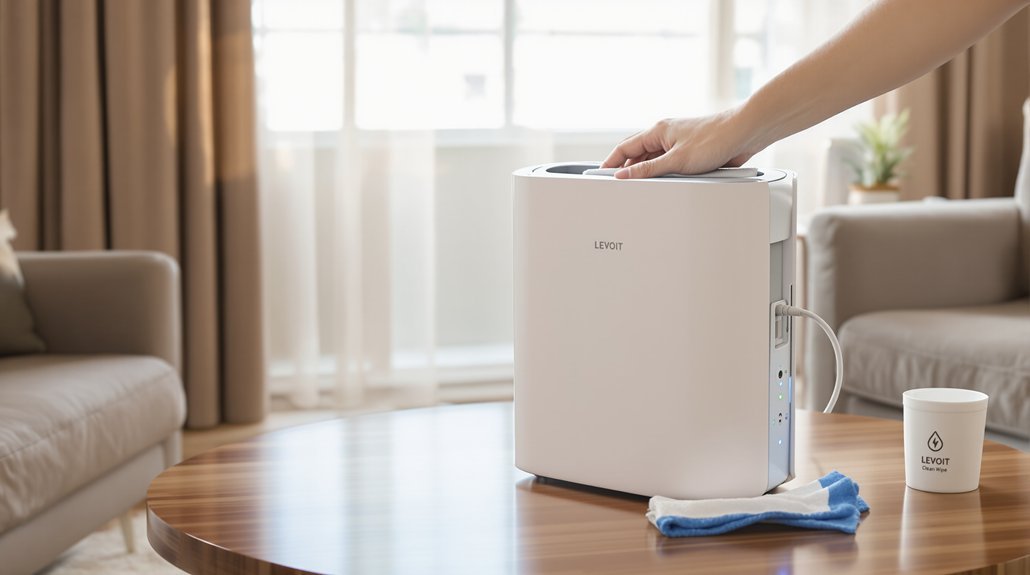
Every 2–4 weeks, unplug the LEVOIT and let it cool completely.
Then grab a damp microfiber cloth with mild detergent to clean all exterior surfaces—top, sides, front, and back.
Here’s a key tip: avoid spraying liquid directly into vents or openings. Dampen your cloth lightly instead.
For dust hiding in crevices, control panels, and around buttons, use a soft-bristled brush or cotton swab. Don’t press too hard.
Once you’ve finished, wipe everything with a dry microfiber towel. Make sure the unit is completely dry before plugging it back in.
Then run on high for 30–60 minutes to confirm normal airflow.
Disinfecting the Interior Components
While exterior cleaning keeps your LEVOIT looking great, disinfecting the interior components tackles the hidden buildup that can affect air quality and performance.
First, unplug your unit and remove all filters. Work in a well-ventilated space with gloves and a mask. Here’s your step-by-step process:
- Wipe the fan housing and interior plastic surfaces with a cloth dampened with mild detergent.
- Disinfect the filter housing, gasket, and inner grilles using a 1:1 water–bleach solution or EPA-approved disinfectant.
- Clean control buttons, crevices, and sensor ports with cotton swabs dipped in isopropyl alcohol (70%).
- Let all parts air‑dry completely for at least 24 hours.
Remember to avoid getting moisture into electronics or sensors. After reassembly, run on highest setting for 30–60 minutes to confirm everything works properly.
Performing an Annual Deep Clean
Beyond regular disinfecting, an annual deep clean gives your LEVOIT air purifier the thorough attention it needs to perform at its best year after year. Start by unplugging the unit and moving it to a well-ventilated area. Remove filters according to your model’s manual, then vacuum with a soft brush attachment to clear loose dust from the compartment.
Next, wipe interior surfaces, fan housing, and grilles using a microfiber cloth dampened with warm water and mild detergent. For small crevices and controls, use a cotton swab with rubbing alcohol. If you spot mold, apply a 1:1 bleach solution for mold removal, scrub thoroughly, and let everything air-dry completely.
Finally, replace protective grates and install fresh filters. Run on high after cleaning for 30–60 minutes to verify proper airflow.
Verifying Proper Airflow Performance
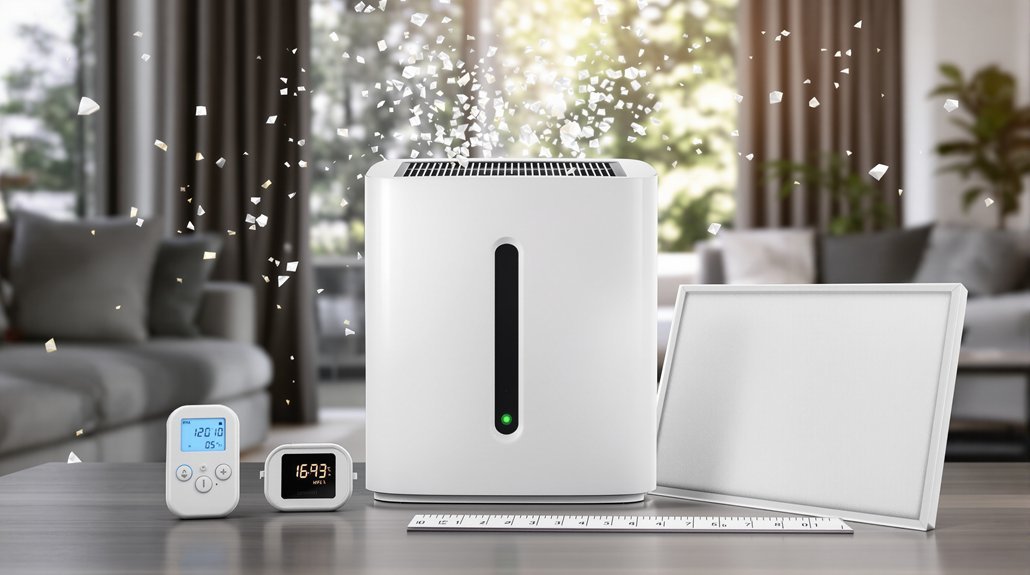
Confirming your LEVOIT’s airflow after a deep clean takes just a few minutes and guarantees all that maintenance effort actually paid off.
- Hold a tissue against the intake grille while running—it should pull inward noticeably.
- Place a tissue near the outlet vent on high fan speed; steady fluttering confirms proper output.
- If airflow feels weak, vacuum the pre-filter and check whether you need to replace filters, since clogged media is the most common culprit.
- After any filter service, run the unit on high for 30–60 minutes, then re-test both intake and output.
Your filter indicator light offers a basic alert, but for precise data, use a handheld anemometer and compare readings to your model’s specs.
You’ll know exactly where you stand.
Understanding the Check Filter Indicator Light
That little “Check Filter” light on your LEVOIT isn’t magic—it’s fundamentally a countdown timer built into the unit. The indicator light tracks runtime hours and estimates when your HEPA filter (typically 6–12 months) or activated carbon layer (3–6 months) needs attention. It doesn’t actually measure contamination levels.
When the light activates, perform a visual inspection before assuming filter replacement is necessary. Power off, open the unit, and check each layer. Your pre-filter might just need vacuuming. Look for dust buildup, discoloration, or reduced airflow through the HEPA media.
After installing fresh filters, complete the reset procedure—usually holding the power button for several seconds. This restarts the filter lifespan timer. Check your specific model’s manual, since reset methods vary slightly across LEVOIT’s lineup.
Frequently Asked Questions
How to Care for a Levoit Air Purifier?
Vacuum your washable pre-filter every 1–3 weeks to tackle pet dander and extend filter life.
You’ll want filter replacement every 6–12 months for optimal odor removal and quiet operation.
Wipe the exterior biweekly with a damp cloth, keeping moisture away from vents.
For energy usage savings, use night mode during sleep hours.
Check your smart controls for maintenance reminders, and make certain proper placement tips keep the unit away from walls for best airflow.
Should I Keep My Levoit Air Purifier on All the Time?
Yes, you should keep your Levoit air purifier running continuously for peak allergen removal and consistent air quality.
Use auto mode or sleep mode to balance run time with energy savings—most units draw under 45 watts, so costs stay low.
Night operation on sleep mode keeps the noise level minimal.
This approach won’t drastically reduce filter lifespan if you maintain it properly.
After a power outage, simply restart the unit.
What Maintenance Does an Air Purifier Need?
You’ll want to handle pre filter cleaning every 1–3 weeks by vacuuming or gently washing it.
Replace your HEPA filter every 6–12 months for proper filter replacement, and swap odor control carbon filters every 3–6 months.
Wipe vents regularly, and perform airflow testing after deep cleans.
Reset the indicator when you install new filters.
If your model includes a UV module or ionizer cleaning needs, check your manual for specifics.
What Are the Common Problems With Levoit Air Purifiers?
You’ll commonly encounter filter replacement needs every 6–12 months, fan noise from debris or loose grates, and odor buildup when carbon filters saturate.
Airflow blockage happens with clogged vents, while power failures often stem from tripped safety sensors.
Sensor drift can trigger false readings, and display malfunctions or remote problems occasionally occur.
Ionizer issues and night mode glitches are less frequent but worth checking if performance drops unexpectedly.
Bottom Line
By following these maintenance steps, you’ll extend your air purifier’s lifespan and keep your indoor air fresh. Clean that pre-filter every few weeks, swap out your HEPA filter annually, and don’t ignore the check filter light when it appears. A well-maintained LEVOIT works harder for you, removing dust, allergens, and odors efficiently. Take fifteen minutes each month for basic care—your lungs will thank you.