
A noisy air purifier can turn your peaceful living space into a constant source of frustration. You’re not alone—most units get louder over time due to dust buildup, worn filters, or loose components. The good news? You can often fix the problem yourself in under 30 minutes with basic cleaning and a few simple adjustments. Let’s walk through exactly what’s causing that racket and how to silence it.
Key Takeaways
- Clean or replace clogged filters every 1–3 months to reduce motor strain and eliminate the loud humming sound.
- Tighten loose screws, covers, and grilles to stop rattling noises caused by vibrating internal components.
- Place the unit on a flat, stable surface with a rubber pad underneath to dampen vibration transfer.
- Switch from automatic mode to a lower fan speed setting for quieter operation, especially during sleep.
- Position the purifier away from walls and corners to prevent restricted airflow that forces the fan to work harder.
Common Causes of Air Purifier Noise
When your air purifier starts making strange sounds, tracking down the source can save you from an unnecessary replacement.
Loose internal components are frequent culprits. Rattling screws or a shifted fan housing create extra sound that amplifies through the plastic casing. Worn motor bearings produce grinding or hissing noises, especially at lower speed settings where you’d expect quiet operation.
Dirty filters force your motor to work harder, increasing that persistent hum. Dust-laden fan blades throw the rotor off balance, causing vibration and whine as airflow turns turbulent.
Even your purifier’s placement matters—setting it on an uneven surface or too close to a wall reflects vibration back into the room. Each of these issues has a straightforward fix once you’ve identified the problem.
Cleaning the Fan and Filter Components
Now that you’ve pinpointed what’s causing the racket, cleaning the fan and filter components is often the fastest way to restore quiet operation. Start by removing the front cover and vacuuming the prefilter and intake grille with a soft brush attachment every 2–4 weeks. Pet owners should clean more frequently.
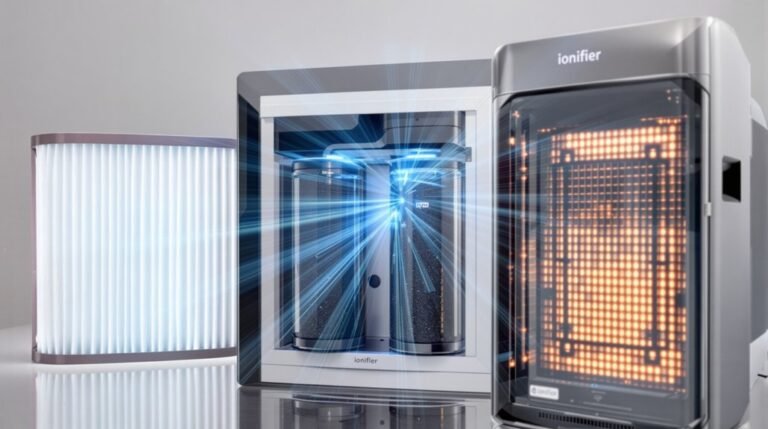
Check your HEPA filter next. If it looks discolored or clogged, replace it—typically every 6–12 months. A dirty HEPA filter forces the motor to work harder, creating that strained whine you’re hearing.
Use compressed air or a soft brush to clear dust from the fan blades and motor housing. Run the unit briefly afterward to confirm smoother airflow. Finally, tighten all accessible screws and re-seat panels to eliminate rattles. If you hear persistent grinding, stop immediately and contact service.
Checking for Loose Parts and Vibrations
Loose parts frequently cause more noise than you’d expect from such small components.
Start by gently shaking your air purifier while it’s off—you’ll often hear rattling from unsecured covers or grilles.
Tighten any accessible screws or clips you find.
Next, check these common vibration sources:
- Inspect filter seating to make certain your HEPA and prefilters sit firmly without wobbling on their supports.
- Place the unit on a flat surface and use a spirit level to check for rocking.
- Add a thin rubber pad or kitchen sponge under uneven corners to dampen vibration transfer.
- Run your air purifier at different speeds while feeling for vibration hot spots around the fan housing and motor area.
Adjusting Settings and Placement for Quieter Operation
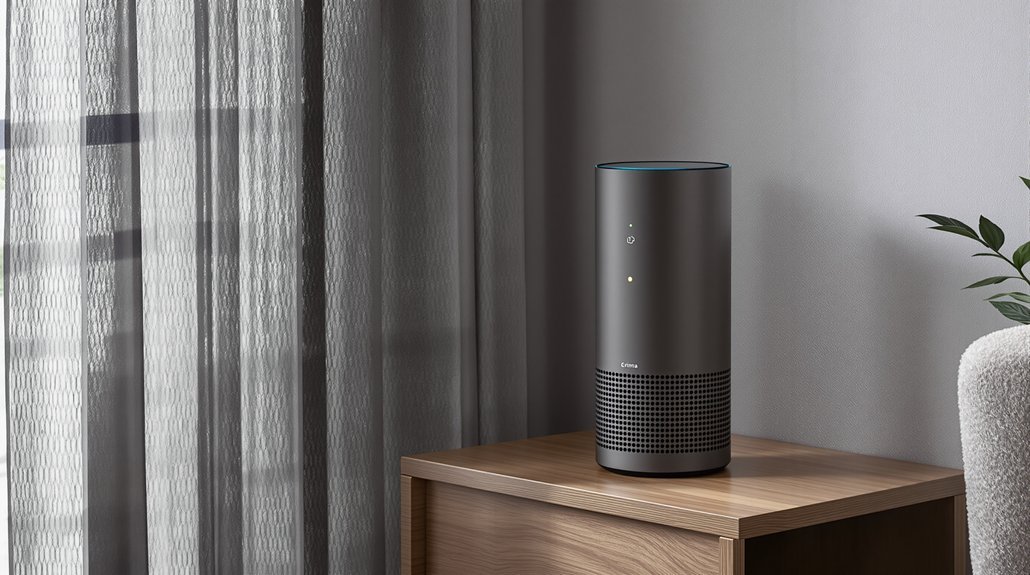
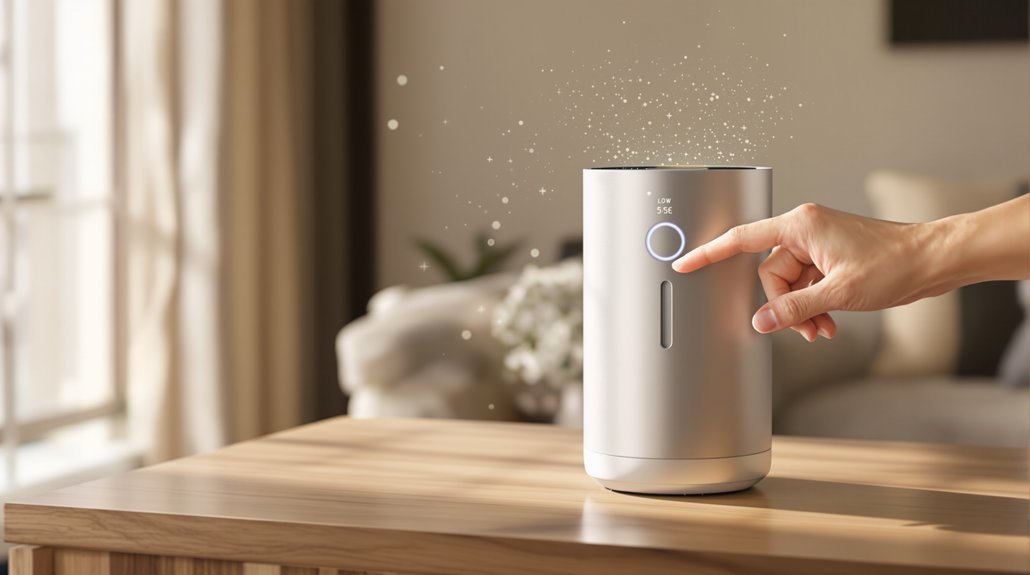
Once you’ve secured any loose parts, the next step is adjusting how and where your air purifier runs. Switch off automatic mode and select a lower fan speed like sleep or low. Higher fan speeds create noticeably more noise because the motor works harder and airflow increases dramatically.
Placement matters too. Move the unit farther from your bed or couch while keeping it within its rated coverage area—check your CADR or square-meter rating to confirm. Set it on a flat, stable surface with a soft anti-vibration pad underneath. A kitchen sponge or foam pad works well for absorbing vibrations.
Keep the purifier away from walls and corners, allowing proper clearance on all sides. This prevents restricted airflow that makes the fan strain and rattle unnecessarily.
When to Replace Filters or Seek Professional Repair
Even after adjusting settings and securing loose parts, persistent noise often signals that your filters need attention or something deeper has gone wrong.
Persistent noise after basic fixes? Your air purifier is telling you something’s wrong—don’t ignore the warning signs.
Make sure you’re staying on top of these maintenance checkpoints:
- Replace HEPA filters every 6–12 months or when visibly discolored—clogged filters force the motor to work harder and louder.
- Change prefilters every 1–3 months, especially in dusty or pet-friendly homes.
- Stop using the unit immediately if you hear grinding, hissing, or metal-on-metal sounds—these indicate bearing or motor damage.
- Consult a technician if rattling continues after new filters and proper lubrication.
If your motor gets hot within 10–20 seconds of operation, you’re likely looking at worn bearings or motor failure.
Professional repair or replacement is your best path forward.
Preventive Maintenance Tips for Long-Term Quiet Performance
Because most air purifier noise problems develop gradually from neglected upkeep, establishing a simple maintenance routine will keep your unit running quietly for years.
Start by cleaning your prefilter and intake grille every 2–4 weeks. If you have pets, stick to the shorter interval. This prevents dust buildup that forces your motor to work harder and louder.
Replace HEPA and carbon filters every 6–12 months, or sooner if they look darkened.
During each filter change, check the fan housing and blower wheel for trapped hair, lint, or small debris. These cause rattling and imbalance. Keep your unit on a flat surface with rubber feet or a foam pad, positioned away from walls.
Finally, log your operating hours and filter change dates. This simple habit helps you replace parts before problems start.
Frequently Asked Questions
How to Make an Air Purifier Quieter?
Lower the fan speed or turn off auto mode to reduce noise right away. Adjust placement by setting the unit on a flat surface with a soft pad underneath to absorb vibrations.
Check your filters—dirty ones make the motor work harder and louder. Tighten any loose screws, vacuum the fan blades, and clear obstructions from the intake.
If you hear grinding, the motor bearings may need attention.
How to Fix a Loud Air Purifier?
Start by cleaning the intake, prefilter, and fan housing—dust buildup is the most common cause of excess noise.
Check your HEPA filter and replace it if it’s dirty or past its lifespan.
Place the unit on a flat surface with vibration-damping material underneath.
Run it on a lower speed setting.
If you hear grinding or hissing, your fan bearings may be worn and need professional repair or replacement.
Why Is My Air Purifier Suddenly so Loud?
Your air purifier likely got loud because the filters are clogged, forcing the motor to work harder.
Sudden rattling usually points to loose panels, an unsecured filter, or the unit vibrating on an uneven surface.
Debris stuck in the fan blades can also throw things off balance.
Check if auto mode kicked the fan to high speed in response to detected particles—that’s another common culprit.
How to Reduce Air Filter Noise?
Start with fan placement—set your purifier on a flat surface with an anti-vibration pad underneath to absorb rattles.
Check your HEPA filter next; a gray, clogged filter forces the motor to work harder and louder.
Vacuum dust and hair from the intake and fan blades every few weeks.
Finally, switch from auto mode to a steady lower speed. You’ll sacrifice some airflow but gain noticeably quieter operation.
Bottom Line
You’ve now got the tools to silence that noisy air purifier. By cleaning filters monthly, tightening loose parts, and placing your unit on a vibration-dampening pad, you’ll enjoy cleaner air without the racket. Remember to replace HEPA filters every 6–12 months and don’t ignore grinding sounds—they signal it’s time for professional help. A little regular maintenance keeps your purifier whisper-quiet for years.